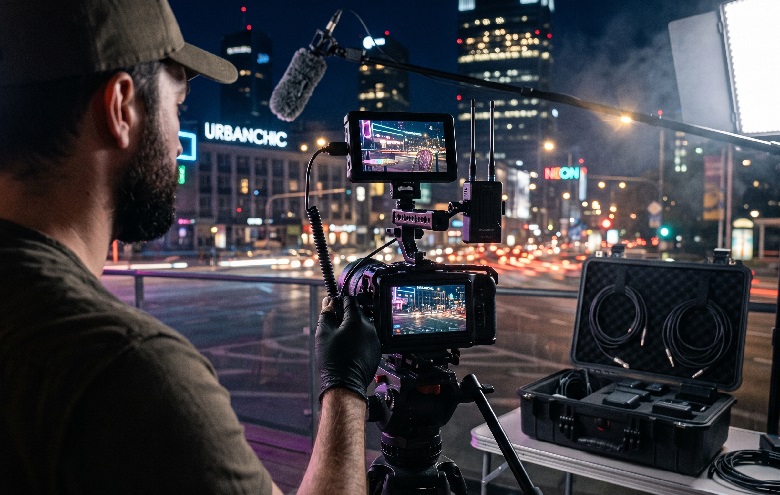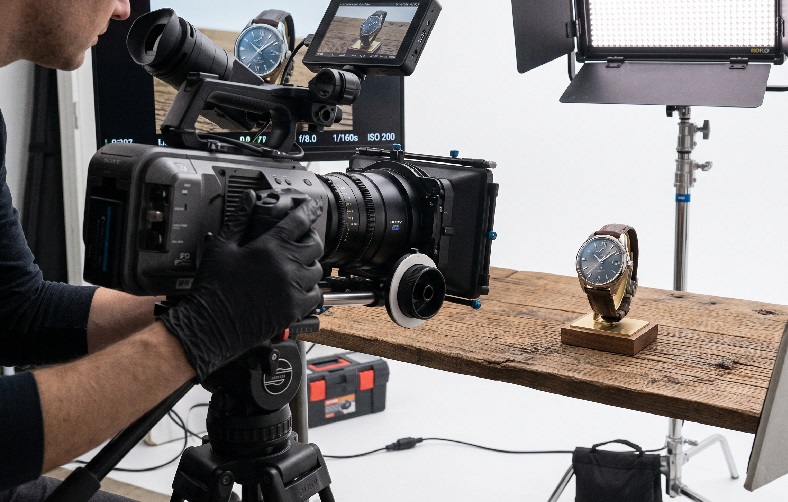
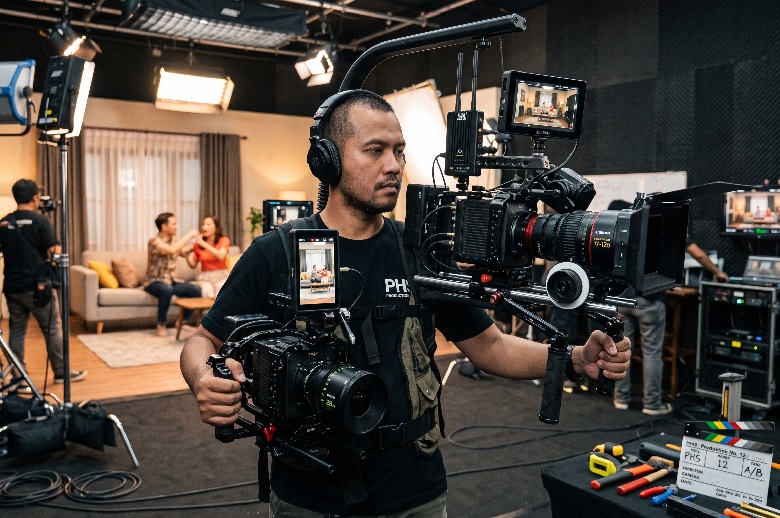
One video gets finished, then uploaded to every channel at once. The result is almost always lopsided: strong in one place, ignored in another. Many teams conclude the material simply was not interesting enough, when the real culprit is usually format. A video for every platform can certainly be made, but not by copying the same file everywhere.
The loss does not stop at view counts. The production budget has already been spent in full, while the output only works on some of the channels. Problems like this can actually be prevented at the earliest stage of the video production pipeline. Fixing things after the shoot is always more expensive and more limited.
The answer is not to pick one platform and ignore the rest. The answer is to design a single production that is prepared for multiple outputs from the start. The discussion below breaks down how that works in technical terms.
Why One Video for Every Platform So Often Fails
Every platform shapes a different viewing habit. Some people scroll quickly while standing on a train. Others watch at a relaxed pace on a large screen. The same material clearly cannot perform equally well in those two situations.
The differences you notice first
Aspect ratio is the first difference anyone sees immediately. Viewers’ tolerance for length also varies from channel to channel. On top of that, most viewers open videos with the sound off. Those three factors alone are enough to change how a video should be put together.
Designing Before the Camera Is Switched On
Multi-format planning begins on the storyboard, not at the editing desk. The director needs to know from the outset which outputs are required. That decision influences lens choice, camera distance, and subject placement. Without that preparation, the editor can only crop as best they can.
Framing that leaves room to crop
Shots should leave space on the left and right of the frame. The main subject sits closer to the centre so it stays safe when cropped to vertical. Recording at a higher resolution provides extra room to manoeuvre. Material shot in 4K still retains usable quality once it is cropped into a vertical format.
Audio that still works in silence
Many viewers scroll with the sound muted. The main message therefore cannot rely on narration alone. Clearly legible subtitles are the cheapest safety net available. Music and sound effects are still prepared for viewers who do turn the audio on.
Safe zones for text and graphics
App interfaces cover part of the screen in vertical formats. Buttons, captions, and account names usually occupy the bottom and right-hand side. Important text placed in those areas will be hidden. Graphics are therefore best kept within the central part of the frame.
Adapting to the Needs of Each Distribution Channel
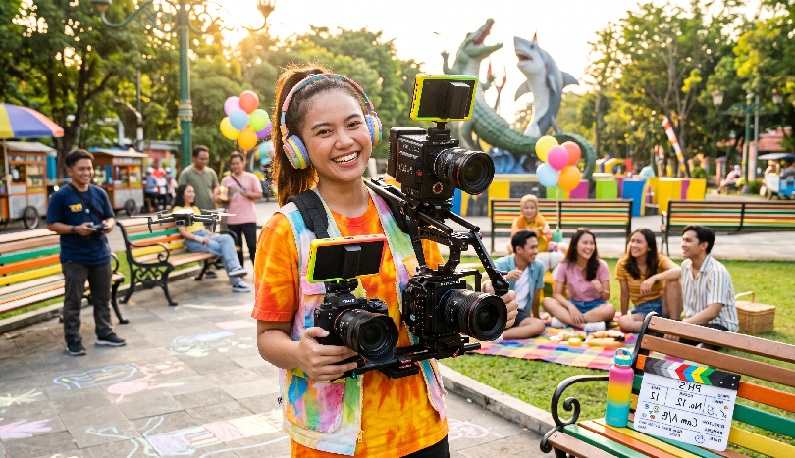
The differences between platforms are not merely about screen size. What viewers are looking for when they open an app differs too. Viewing behaviour data of this kind is covered extensively on Think with Google. Understanding those patterns helps determine which version deserves priority.
Comparing the Needs of Each Format
| Channel character | Common ratio | Editing emphasis |
| Short-form video feeds | Vertical | Extremely fast opening |
| Long-form video channels | Horizontal | Gradual narrative build |
| Social media feeds | Square or portrait | Large, legible text |
| Presentations and websites | Horizontal | Image and audio quality |
| Paid advertising | Matched to placement | Key message up front |
The parts that must be rebuilt for every version
Some elements should not be reused as they are:
- the opening, because each channel allows a different amount of time
- subtitles, whose position adapts to the aspect ratio
- the call to action, which follows the features of each platform
Beyond that, the main footage can usually still be shared across versions.
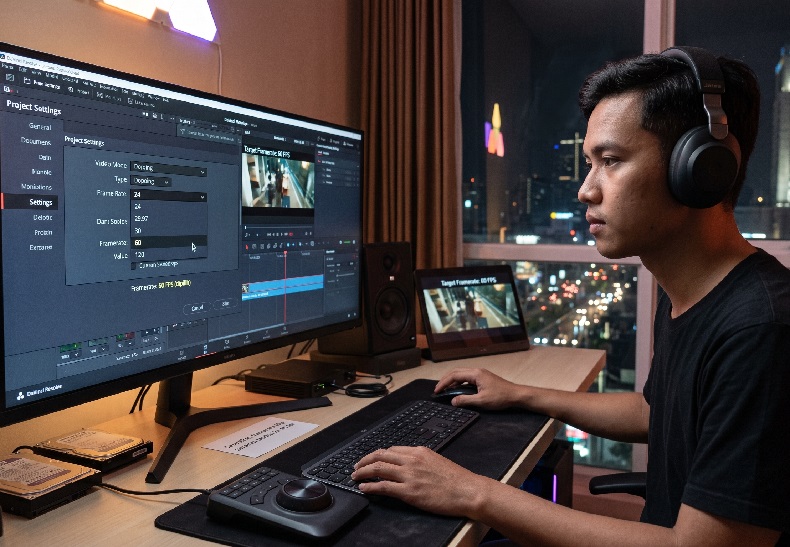
Technical specifications also change fairly often on every platform. Duration limits and file size caps are frequently updated without any major announcement. Checking the official documentation before exporting therefore remains a good habit. Keeping a high-resolution master file makes later adjustments far easier.
The Workflow for Preparing a Video for Every Platform
The sequence below helps one production serve many channels:
- Define the list of deliverables before the shooting schedule is drawn up.
- Record at a higher resolution than the final output requires.
- Build the horizontal master version first as the narrative reference.
- Create the vertical cut with a rewritten opening.
- Review the final result directly on a mobile device.
The fifth step is the one most often skipped. What you see on a computer monitor can look very different on a phone screen. An experienced digital content production team usually treats this check as standard procedure.
File naming is also worth setting up from the start. A single production can generate more than a dozen files with different ratios and durations. Without tidy naming, the marketing team will struggle when the upload schedule gets busy.
Rethinking How You Measure Success
A video for every platform does not mean one file for every destination. It means one plan that produces several purpose-built versions. This approach keeps costs down without sacrificing format suitability. There is only one condition: the decisions are made before the camera is switched on.
Results should also be evaluated channel by channel. Comparing view counts across platforms rarely leads to a useful conclusion. High Angle regularly helps clients build production plans that accommodate multiple outputs at once. The role of an Indonesian production house at the early stage is to make sure distribution needs are considered too. An Indonesian production house used to handling multiple deliverables is also better prepared to schedule the work.
For brand owners, a short discussion before production usually matters more than an extra slice of budget. Choosing a digital content production partner who understands the habits of each channel makes the footage work for far longer.
Frequently Asked Questions
- Can a horizontal video be converted into a vertical one?
Yes, as long as the shot leaves room to crop and was recorded at a high resolution. - Why does the opening need to differ for each channel?
Because viewers’ patience varies, so the key message has to appear sooner on certain channels. - Do all videos need subtitles?
Highly recommended, since many viewers open videos without turning the sound on.