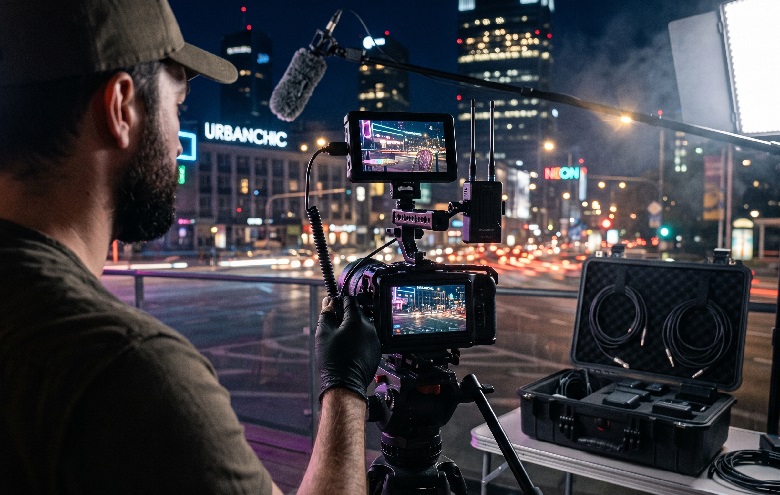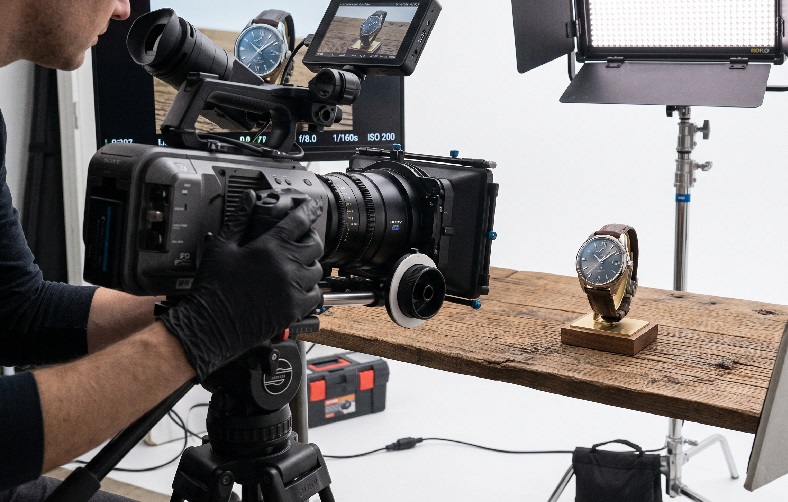
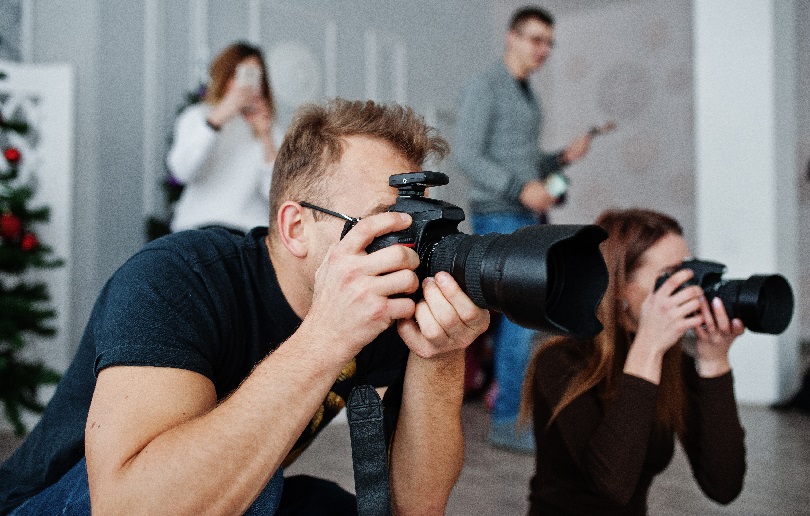
Many event organizers and brands struggle to produce event videos that feel alive and dynamic. Footage from a single camera angle often feels flat, especially at events where several key moments happen at the same time. Viewers quickly get bored of watching the same angle over and over throughout the video. This problem usually arises because the production has not made full use of the multi-camera technique.
Left unaddressed, the video ends up looking less professional and hard to use for long-term promotional needs. Yet event and commercial videos often serve as the main material for advertising campaigns across digital platforms. Fortunately, this can be solved with a multi-camera setup that is carefully planned from the outset, rather than simply adding more cameras on location.
Why the Multi-Camera Technique Is the Backbone of Large-Scale Event Production
The multi-camera technique allows the production team to capture several angles at once. Key moments such as audience reactions, a speaker’s expressions, and stage details can all be recorded simultaneously. As a result, the editor has far more shot options without needing to repeat any scene. This approach has become a mandatory standard for large-scale commercial video production.
The Fundamental Difference from Single-Camera Production
Single-camera production relies on one point of view for the entire duration of the event. If an important moment is missed, there is no way to get it back. The multi-camera technique removes this risk because every important angle is covered from the start.
The difference becomes obvious during editing. Editors on single-camera productions are often forced to use generic cutaways or motion graphics to cover the gaps. With a multi-camera setup, transitions between moments can be made much smoother because every angle was recorded at the same time.
Essential Equipment and Crew for a Multi-Camera Setup
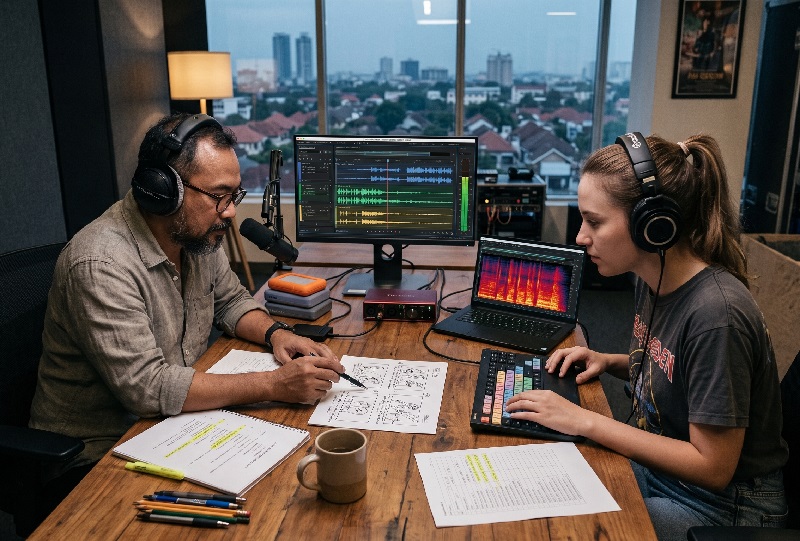
Multi-camera production is not simply a matter of adding more camera units in the field. A video switcher is needed to change picture sources in real time while a live event is under way. The production crew must also have clearly divided roles, from camera operators and the switcher operator to the audio engineer. Without solid crew coordination, the final result looks messy no matter how many cameras are involved.
Communication between crew members should run over intercom, not rely on hand signals alone. We once had a miscommunication when hand signals went unseen because a camera position was blocked by the audience. Since then, intercoms have been mandatory equipment on every multi-camera production we handle.
The Role of the Switcher and Signal Synchronization Between Cameras
Camera synchronization is the most crucial technical element in multi-camera production. Genlock and timecode serve different functions, even though non-specialists often confuse them. As B&H eXplora explains, genlock aligns the frame rate between video sources in real time, while timecode only marks the time of each frame for editing purposes. Understanding this difference helps the team choose the right synchronization tool for the type of production.
Here are the basic steps we usually run through before a multi-camera production begins:
- Decide the number of cameras based on the complexity of the event
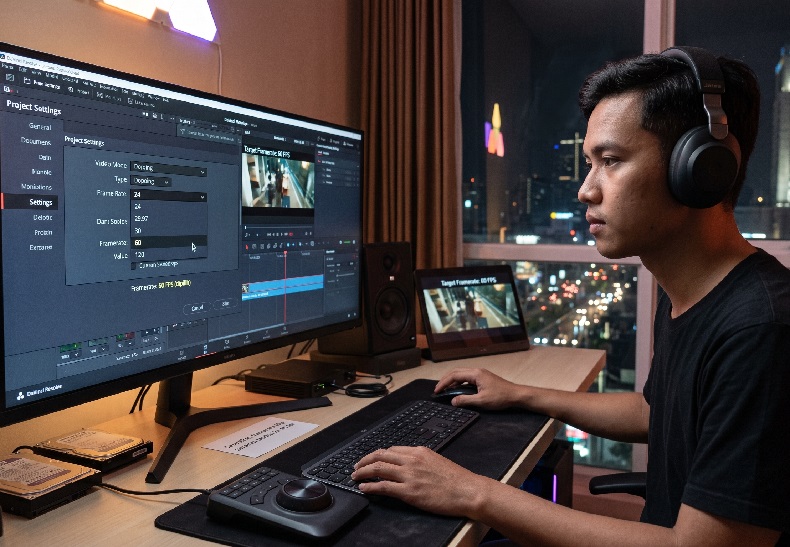
- Set up the switcher and test the connection for every video source
- Synchronize timecode or genlock across all devices
- Do a short test recording before the event officially starts
From our experience in the field, a one-minute test recording before the event starts often saves the production from signal drift that would otherwise only surface during live switching.
A Multi-Camera Technique Strategy for Choosing the Best Positions and Angles
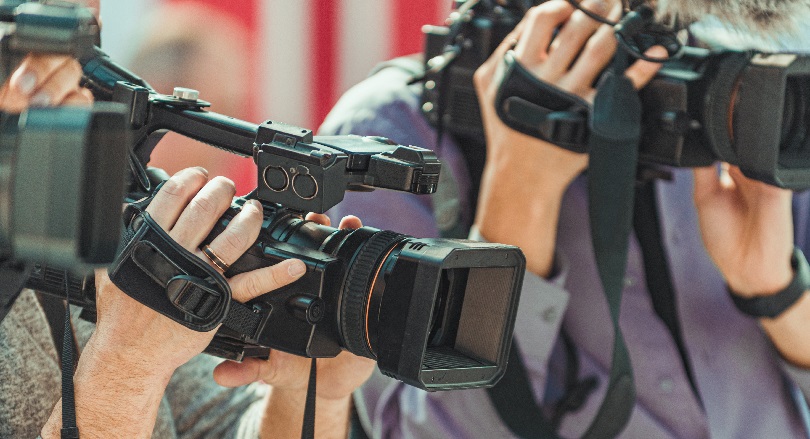
Camera positions determine the variety of shots available during editing later on. A combination of wide, medium, and close-up angles makes the video feel more dynamic and enjoyable to watch. Here is an overview of what each camera position commonly used in this setup does.
The Function of Each Camera Position in Multi-Camera Production
| Camera Position | Main Function | Placement Example |
| Master shot | Captures the entire stage/location | Back of the venue, high angle |
| Medium shot | Focuses on the speaker or main talent | Front of the stage, eye level |
| Close-up/cutaway | Captures expressions and important details | Side of the stage, near the audience area |
From our experience across a wide range of productions, this three-position combination is enough for most corporate events and mid-sized concerts. Adding more cameras than that often just complicates crew coordination without producing significantly better results.
Common Mistakes When Running Multi-Camera Production in the Field
Several technical mistakes still happen even when a team has plenty of cameras ready. The two we encounter most often in the field are:
- Signal cables that are too long without a signal booster, causing the picture to drop out
- Framing that is not coordinated between cameras, making the edit feel awkward
A briefing on positions and framing before the event starts helps avoid both problems from the outset. Another mistake that is rarely noticed is forgetting to back up batteries and storage on every camera. We once lost an important moment because one camera ran out of power in the middle of the main session, even though spares were actually available in the crew bag.
Applying a Combination of Camera Angles for the Best Commercial Video Results
The multi-camera technique works best when it is planned from the pre-production stage, not improvised on location. Planning camera positions, signal synchronization, and crew coordination matters just as much as image quality itself. High Angle is an Indonesian production house accustomed to handling multi-camera setups for events as well as clients’ commercial advertising needs. This approach helps ensure every recording is ready for further use in promotion and documentation.
Frequently Asked Questions
- What is the minimum number of cameras for event production using the multi-camera technique?
Two to three cameras are enough for small to mid-sized events. - Is genlock always required in every multi-camera production?
Not always; genlock is more necessary for live switching than for footage edited afterward. - How much setup time is ideal before the event starts?
Ideally at least one to two hours before the event, for signal and framing tests.