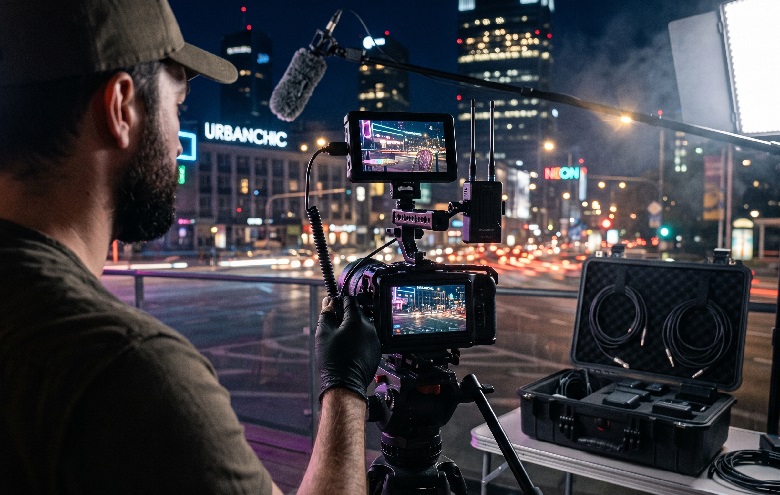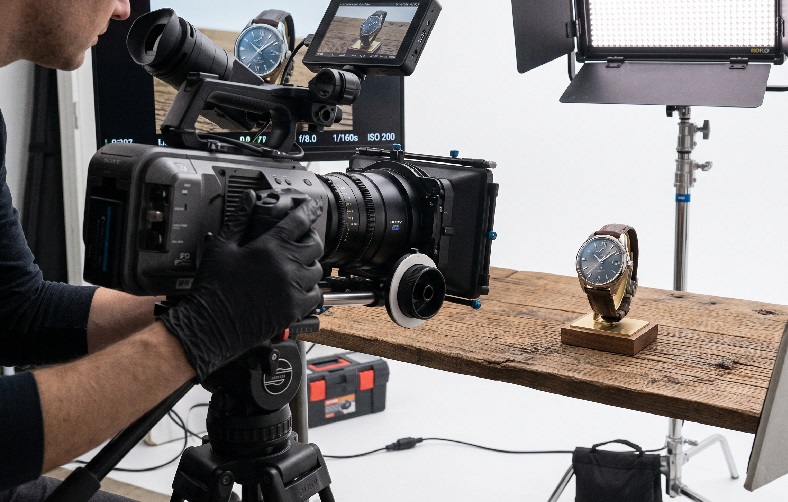
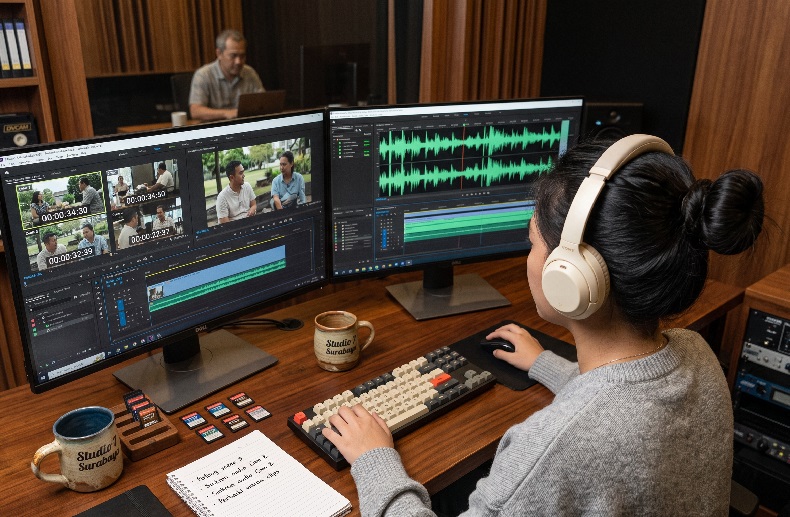
Many production teams spend far longer in editing simply because the audio and video are not aligned. The talent’s lips move before the sound is heard, or the other way around. The problem gets even more complicated when a production uses several cameras at once, each with a different audio source. Without clean multi-camera audio sync from the start, editing can drag on for days.
This problem often has its roots in the planning stage, not just in technical issues on set. Poor or mistimed audio can also ruin sound design elements that were carefully crafted back in pre-production. Fortunately, it can be prevented with the right synchronization workflow from the day of the shoot, rather than being patched up later in editing.
Why Multi-Camera Audio Sync Is So Often a Source of Problems in Post-Production
Each camera in a multicam setup usually records audio from a different source. On-camera microphones, boom mics, and lavalier mics all have slightly different delay characteristics. If they are not synchronized from the start, the editor has to shift every clip manually, one by one. That process clearly takes far longer than setting up a multi-camera audio sync system while the shoot is under way.
How Out-of-Sync Audio Affects the Final Video Quality
Even slightly mistimed audio is enough to disrupt the viewer’s comfort. The effect is worse in videos with a lot of dialogue or close-up interviews. Clients often judge the video as unprofessional even when the picture quality is actually good.
In our experience, clients rarely complain about technical camera details, but they almost always notice immediately when the audio feels off. The human ear is far more sensitive to timing mismatches than the eye. That is why audio sync is often the first quality standard clients judge before anything else.
Methods Professionals Use to Synchronize Audio and Video
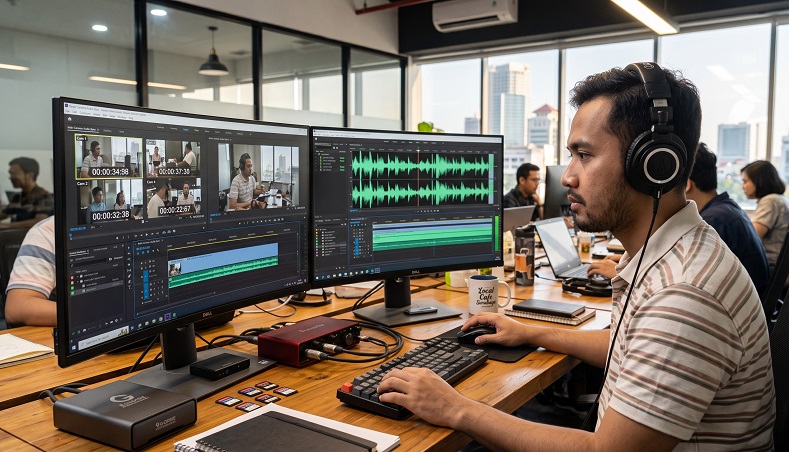
There are several approaches professional production teams commonly use. They all share the same goal: making sure the external audio recorder and every camera refer to an identical time reference. The choice of method usually depends on the scale of the production and the available budget.
Jam Sync and Timecode: The Foundation of the Modern Multicam Workflow
Jam sync is the process of matching the timecode of every device to a single reference source before shooting begins. As HowToFilmSchool explains, this is usually done by the audio department just before the shoot, then repeated every time a camera changes batteries. This approach differs from continuous synchronization, which requires a permanent cable connection to the master device.
Here are the jam sync steps we usually go through before production starts:
- Designate one device as the main timecode source
- Jam sync every camera and external audio recorder to that device
- Re-check the timecode every time a camera battery is swapped
- Do a short test recording to make sure every device is in sync
From our experience in the field, small timecode drift often only becomes noticeable during the multicam edit, not while shooting.
Multi-Camera Audio Sync Techniques Without a Timecode Device
Not every production has the budget for professional timecode equipment. Fortunately, there are other ways that remain reliable, even if simpler. Here is a comparison of the three methods most commonly used by production teams.
Comparing Audio and Video Sync Methods
| Method | Accuracy Level | When to Use It |
| Timecode device | Highly accurate, minimal drift | Large-scale multicam productions |
| Production slate | Fairly accurate, depends on the clap sound | Mid-sized productions with limited budgets |
| Waveform sync software | Accurate for clear audio | Small productions or documentaries |
Waveform sync software, such as the Merge Clips feature, reads sound wave patterns to match clips automatically. This method is quite reliable as long as the camera audio is not too noisy or echoey.
Mistakes That Often Leave Audio and Video Out of Sync in Editing
Some teams already use a timecode device yet still end up with mistimed audio. The two causes we encounter most often in the field are:
- Forgetting to jam sync again after a camera is switched off or its battery is replaced
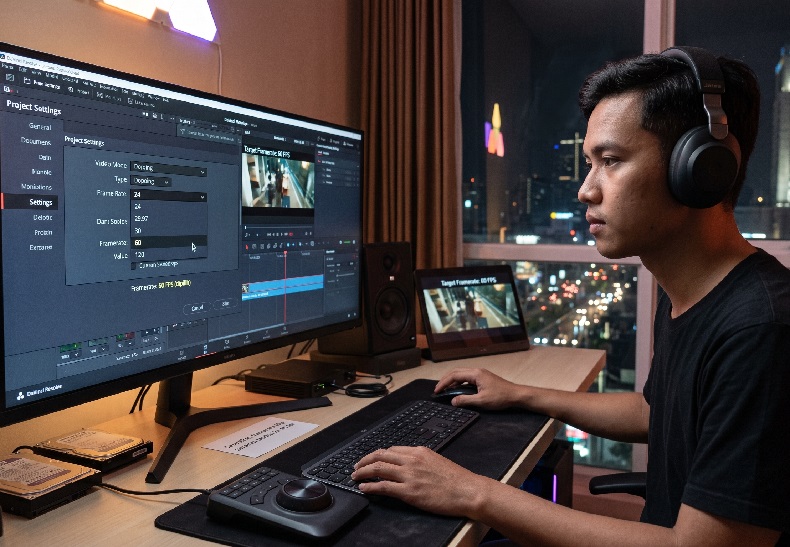
- Frame rates that differ between cameras without anyone noticing from the start of the shoot
Checking the frame rate and timecode status before the first take helps prevent both problems early on. Another mistake that is rarely noticed is relying on camera audio as the main source, when its quality is far below that of an external audio recorder.
We also train our crew to call out the scene and take number aloud before clapping the slate. This small habit is a huge help when the editor has to sort through hundreds of clips from multiple cameras at once. Without verbal markers, finding the right clip can take far longer than anyone expects.
Maintaining Audio Quality So Sync Stays Clean Through the Final Cut
Multi-camera audio sync works best when it is planned from pre-production, not patched up during editing. The choice of sync method, the external audio recorder, and crew discipline matter as much as the image quality itself. High Angle is accustomed to handling digital content production with a clean audio workflow, including for clients’ ad production needs. This approach helps ensure the final video stays comfortable to watch, free of distracting technical issues. A small investment of time on set for proper synchronization always pays off in full once editing begins.
Frequently Asked Questions
- Does multi-camera audio sync require a timecode device?
Not necessarily, but timecode is far more efficient for productions with many cameras. - How often should jam sync be repeated during a shoot?
Ideally every time a camera is switched off or a battery is replaced throughout the shooting day. - Is waveform sync software reliable enough for professional production?
It is reliable enough for clear audio, but less stable in noisy locations.